 Captionshaper
How to make an SRT file from a video
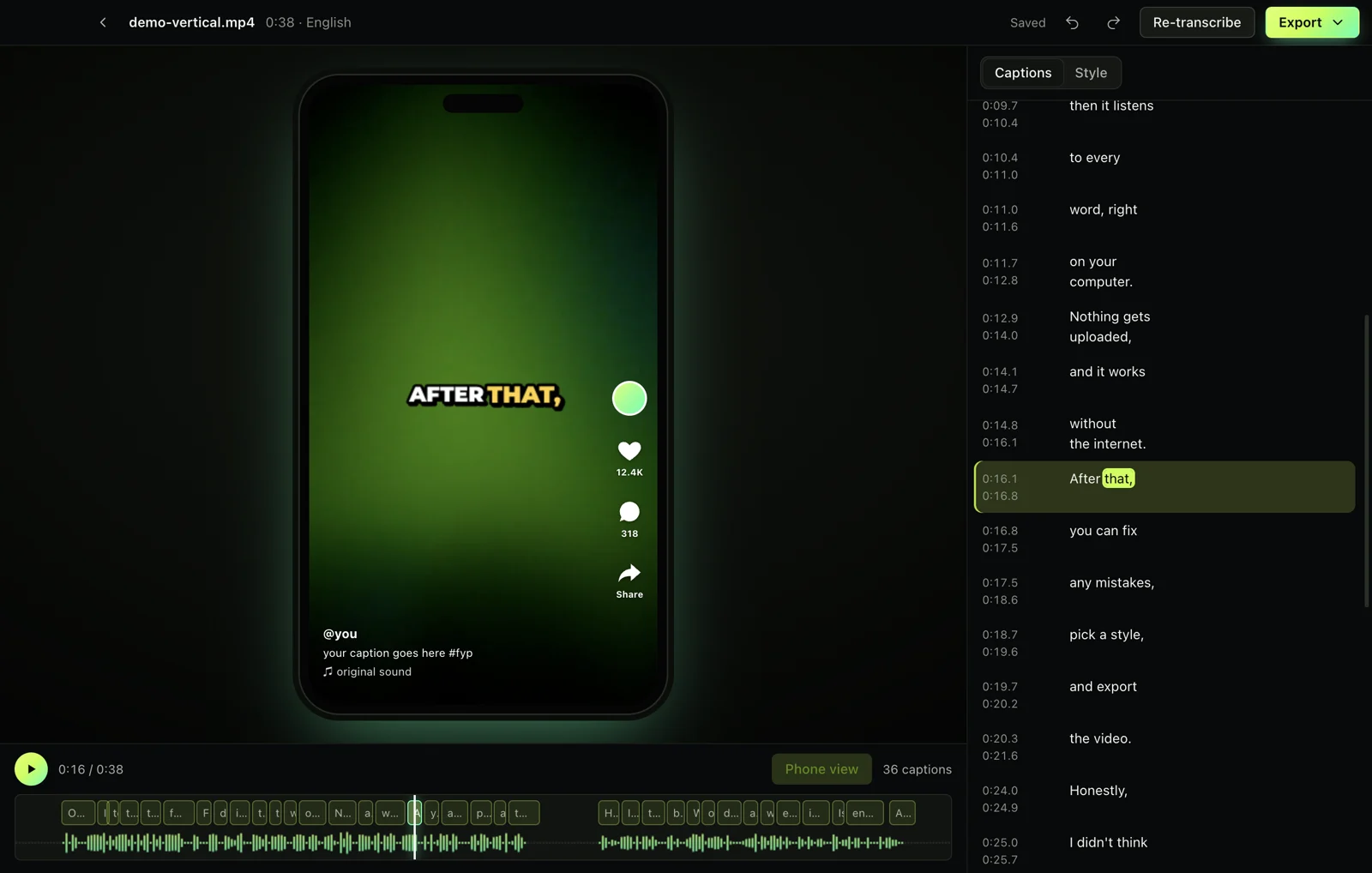
Open the video in Captionshaper, let it transcribe, check the text, then choose Export, Subtitles (.srt). You get a standard SRT file that YouTube, Premiere Pro, DaVinci Resolve, Final Cut and CapCut can import, with captions split at natural pauses and lines no longer than 42 characters.
Updated 11 November 2026 · Hollowbit
Step by step
- Download CaptionshaperFree for Mac (Apple Silicon) and Windows.
- Open your video or audioAny common format works, including MP3 and WAV for podcasts.
- Check the captionsFix any misheard words. Underlined words are the ones to check first.
- Choose caption lengthUnder Style, Caption length: Two lines suits YouTube and films, One line or Short suits social video.
- Export, Subtitles (.srt)Save the file next to your video. Use VTT instead for websites.
What an SRT file is
SRT (SubRip) is a plain-text file of numbered captions, each with a start and end time like 00:00:01,900 --> 00:00:03,300 and one or two lines of text. Almost every video player and editor reads it.
Good subtitle rules
Broadcast subtitles keep lines under about 42 characters, use at most two lines, stay on screen long enough to read, and never cover silence. Captionshaper follows these rules when it splits captions.
Other ways to do it
You can type an SRT by hand, use YouTube's automatic captions and download them, or pay a transcription service. Captionshaper is faster than typing and keeps the video private.
Questions
Can I upload the SRT to YouTube?
Yes. In YouTube Studio, open Subtitles, Add, Upload file, With timing.
SRT or VTT?
SRT for video editors and YouTube; VTT for HTML5 video on websites. Captionshaper exports both.
Does the SRT keep my caption style?
No, SRT is plain text. Export ASS to keep the style, or burn the captions into the video.
More guides
- How to add subtitles to a video automaticallyTurn speech into accurate, word-timed subtitles and add them to any video for free. No upload, no watermark, works on Mac and Windows.
- How to add TikTok-style captions to a videoMake the bold, word-by-word captions you see on TikTok and Reels, with the spoken word highlighted. Free, offline, no watermark.
- How to transcribe a video to textGet a full text transcript of any video or audio, with punctuation and paragraphs, without uploading it. Free on Mac and Windows.